
- Feb 21, 2026
- 2
- 0
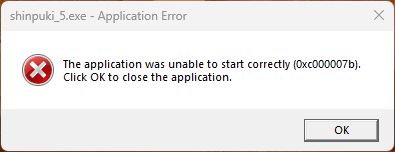
I have recently upgraded from Windows 10 to a new PC running Windows 11 64 bit and trying to play this new game [でぼの巣製作所] 神楽新風記 ~舞歌の章~
but encountered error when launching the game.
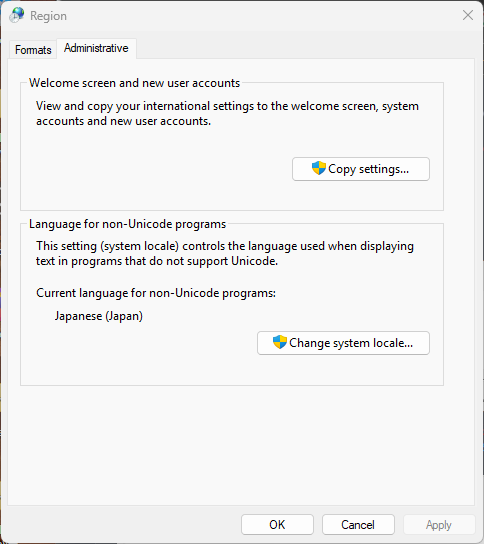
My new PC is set to Japan locale.
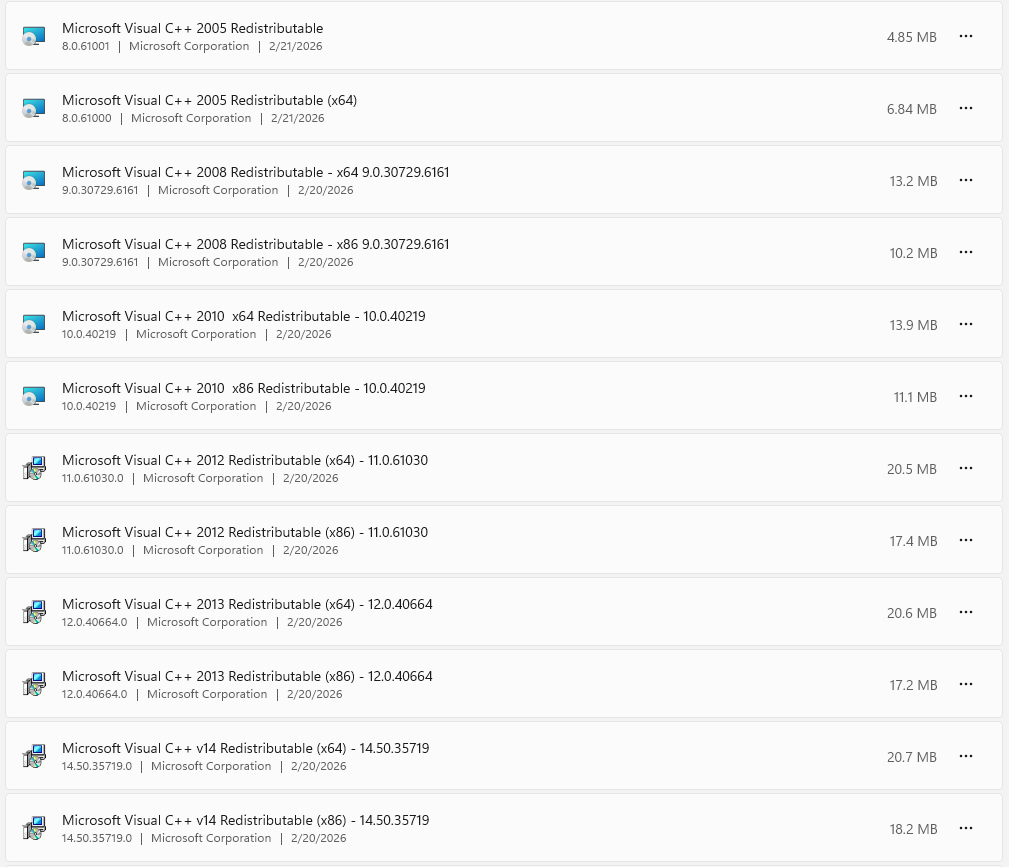
Previously, I had no issue running games from DebonosuWorks in Windows 10. I tried to resolve this issue by installing VS C++ (Microsoft Visual C++ Redistributable latest supported downloads) and DirectX (DirectX End-User Runtime Web Installer) but it still does not work.
Does anyone know which step am I missing to fix this issue?
Thanks in advance.
but encountered error when launching the game.
My new PC is set to Japan locale.
Previously, I had no issue running games from DebonosuWorks in Windows 10. I tried to resolve this issue by installing VS C++ (Microsoft Visual C++ Redistributable latest supported downloads) and DirectX (DirectX End-User Runtime Web Installer) but it still does not work.
Does anyone know which step am I missing to fix this issue?
Thanks in advance.

