

- Oct 6, 2026
- 3
- 1
Anyone know how can I make these vns work?
1.old Appetite games
I've set win11 pc to allow 32 bit application and set combability to win7 or xp pack 3. -> the specs was told by publishers
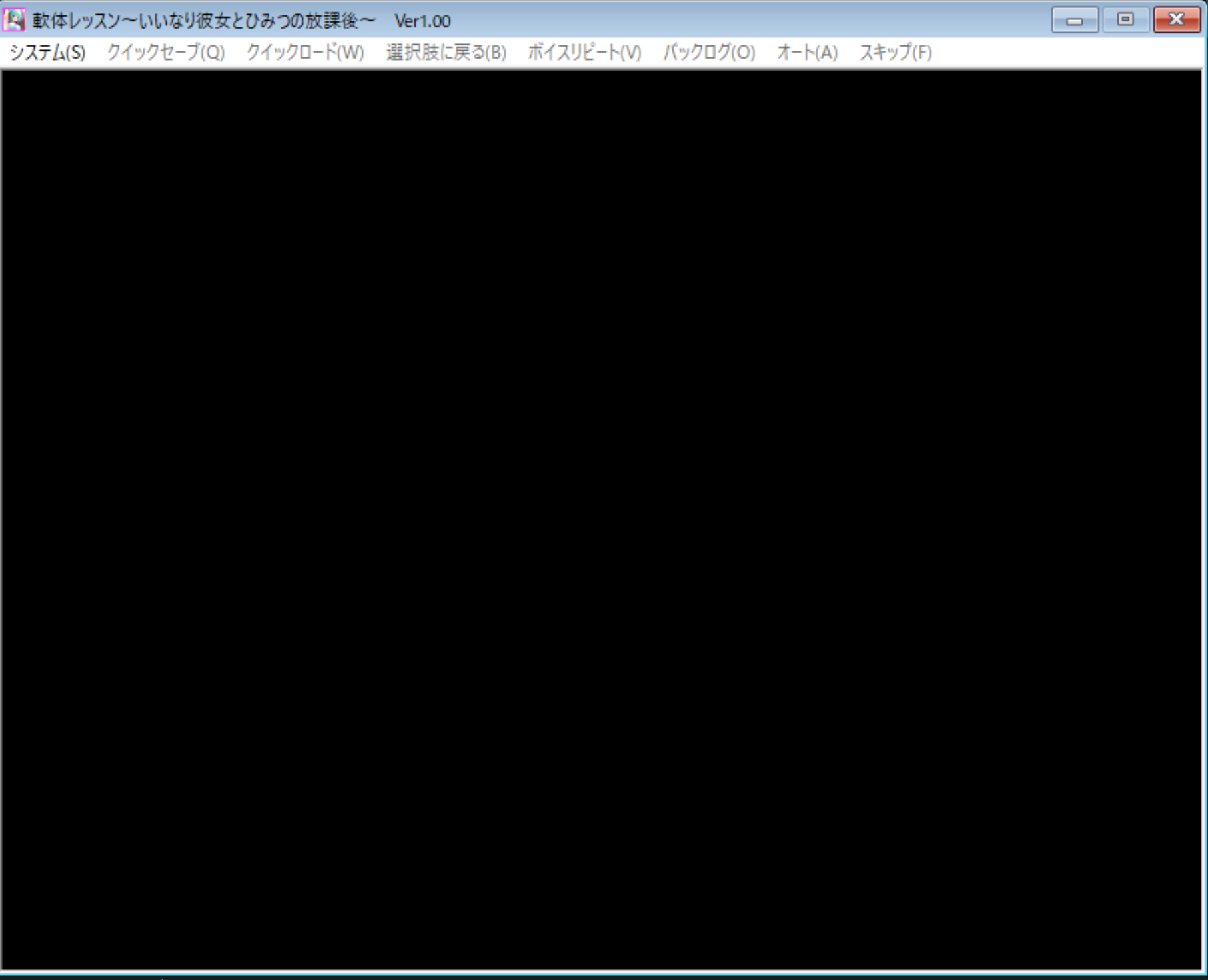
however, only the sounds and system show but the game wont display.
- the program show up but with black screen.
- closing using [x] button on application won't work, task manager force close is needed.
sample of title that not working: Musume no Shin'yuu JK to no Inkou
2. Gash - Space☆Trouble
tried open it in win 10 and 11 also set combability but it won't even start up.
i tried to find if any patch is available but couldn't find it. other gash games are fine.
1.old Appetite games
I've set win11 pc to allow 32 bit application and set combability to win7 or xp pack 3. -> the specs was told by publishers
however, only the sounds and system show but the game wont display.
- the program show up but with black screen.
- closing using [x] button on application won't work, task manager force close is needed.
sample of title that not working: Musume no Shin'yuu JK to no Inkou
2. Gash - Space☆Trouble
tried open it in win 10 and 11 also set combability but it won't even start up.
i tried to find if any patch is available but couldn't find it. other gash games are fine.
Last edited: